Email filters in your Juno/Netzero account may prevent you from receiving or properly viewing your email subscriptions. Open one of our email messages and follow these steps in order to add us to your address book:
1. Click on the “Options" link (below) in the "Mail Toolbar."

2. On the "Options" page click "Safe List" on the right-hand side of the page.

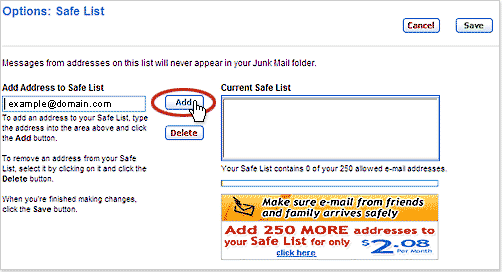
3. Enter the "From Address" (i.e. example@domain.com) in the "Add Address to Safe List" field and click "Add."
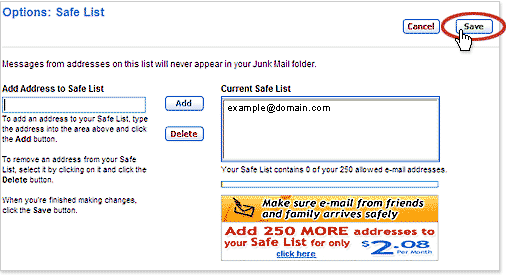
4. After the sender appears in the "Current Safe List" box, click "Save."
5. You will receive the following message at the top of the page.
 |